The 568h App
Built for Bangladesh
One APK file. Install it on any Android phone running version 6.0 or higher, log in with your bKash or Nagad account, and you're in. The 568h App gives you full access to slots, live casino, Crash games, and cricket betting — all from your pocket.
- 18+
- SSL Encrypted
- 24/7 Support
- bKash & Nagad
What You Get with the 568h App
Fast Deposits via bKash & Nagad
Top up your 568h account directly inside the app. Deposits land in about 4 minutes. The minimum is ৳400 — the same as the browser version. No extra steps, no redirects. Just tap, confirm, and your balance updates on screen before you've put your phone down.
Over a Thousand Games Ready to Play
The app connects to the same game lobby as the website — more than 1,200 titles from providers like PG Soft, JILI, Pragmatic Play, and CQ9. Slots, live tables, Crash, fishing, and lottery games all load inside the app. No switching to a browser mid-session.
Cricket & Sports Betting Built In
Follow BPL and IPL matches live and place bets without leaving the app. The sportsbook panel sits alongside the casino lobby. 1X2, over/under, and in-play markets are all accessible. Odds refresh in real time, and your stake settles straight to your wallet balance.
Bonuses Apply on the App Too
Your first deposit bonus — up to ৳8,000 at 160% — applies whether you sign up on the app or the website. The 25% reload bonus and daily 0.7% cashback work the same way. All promotions are listed in the Bonus tab inside the app, with terms clearly shown.
Push Notifications for Match Alerts
Turn on notifications and 568h will alert you before a cricket match starts, when a withdrawal completes, or when a new promotion goes live. You control which alerts you receive in Settings. This keeps you informed without having to check the app constantly throughout the day.
Live Chat Support Inside the App
Tap the support icon in the bottom menu to open live chat without leaving the game. The team is online 24/7. You can ask about deposits, bonuses, account issues, or withdrawals. Response times are fast — usually under two minutes during peak Bangladesh evening hours.
Scan to download the 568h APK directly to your Android phone
One App, Everything You Need
The 568h App is a native Android application — not a web wrapper. It runs faster than a browser tab, uses less data, and keeps your session active even when you switch between other apps on your phone.
- Free to download — no subscription, no hidden fees
- 52 MB installation size, runs on Android 6.0+
- Current version 2.1.18, last updated 3 November 2026
- Direct APK download — no Google Play needed
How to Install the 568h APK on Android
Android phones block APK files from outside the Play Store by default. You need to allow "unknown sources" once — this takes about ten seconds and can be turned off again after installation.
-
1
Allow Unknown Sources in Settings
Open your phone's Settings app and go to Security (or Privacy on some Samsung and Xiaomi models). Find "Install unknown apps" or "Unknown sources" and enable it for your browser or file manager. This permission tells Android it's safe to install APK files you've downloaded manually. You can disable it again after the 568h App is installed.
-
2
Download the APK File
Tap the "Download APK" button on this page. Your browser will save the file — named 568h.apk, 52 MB — to your phone's Downloads folder. If your browser asks whether to keep the file, tap "Download anyway" or "Keep". The download takes roughly 20–40 seconds on a standard mobile connection in Bangladesh.
-
3
Open the Downloaded File
Pull down your notification shade and tap the completed download, or open your Files app and go to the Downloads folder. Tap 568h.apk. Android will show an installation prompt with a list of permissions the app needs. Review them, then tap "Install". The process takes about five seconds on most mid-range phones sold in Bangladesh.
-
4
Wait for Installation to Complete
Android unpacks the APK and places the 568h icon on your home screen or app drawer. You'll see "App installed" in a small notification. If your phone shows a Play Protect warning, tap "Install anyway" — this is normal for any APK outside the Play Store. The warning does not mean the file is unsafe; it means Google hasn't reviewed it yet.
-
5
Log In or Register Your Account
Open the 568h App and tap "Log In" if you already have an account, or "Register" to create a new one. Enter your phone number and set a password. After logging in, go to Deposit, choose bKash or Nagad, and enter ৳400 or more to claim your first deposit bonus. Your account on the app and the website are the same — no separate sign-up needed.
Using 568h on iPhone — Add to Home Screen
There is no separate iOS app at this time. iPhone users can get a near-native experience by saving the 568h website as a shortcut on their home screen. It opens full-screen without the Safari toolbar.
Open Safari on your iPhone and go to 568h.ws.
Tap the Share icon (the square with an arrow pointing up) at the bottom of the screen.
Scroll down in the share menu and tap "Add to Home Screen". Give the shortcut a name — "568h" works well.
Tap "Add" in the top-right corner. The 568h icon now appears on your home screen like any other app.
When you tap the icon, Safari opens in standalone mode — no address bar, no tabs. Deposits, games, and live chat all work exactly as they do on Android.
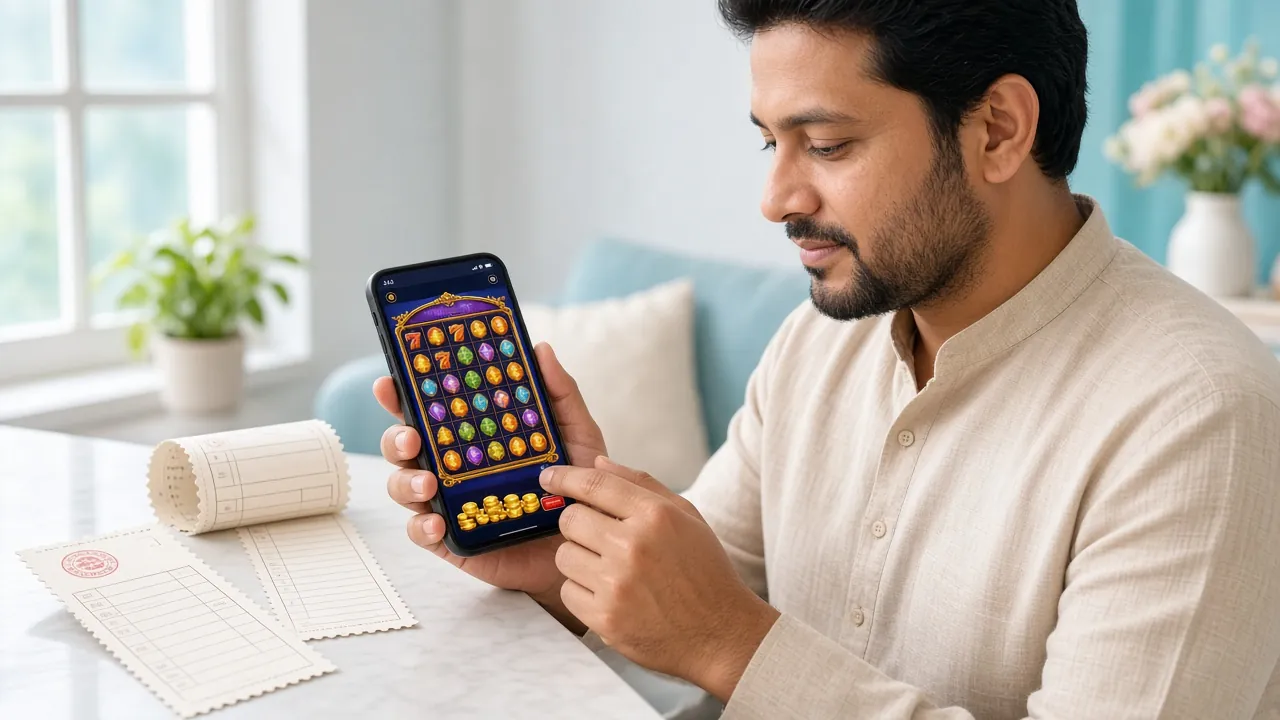
Games You Can Play on the 568h App
Every category from the full website is available on the app. The lobby loads fast on a 4G connection. Here are some of the most-played titles on mobile:


| Game | Category | Provider | RTP | Min Bet | Max Bet |
|---|---|---|---|---|---|
| Fortune Tiger | Slots | PG Soft | 96.6% | ৳2 | ৳10,000 |
| Color Game | Slots | PG Soft | 97.5% | ৳5 | ৳20,000 |
| Dragon Fortune | Slots | PG Soft | 96.1% | ৳5 | ৳20,000 |
| Shade Dragon Fishing | Fishing | PG Soft | 95.1% | ৳1 | ৳50,000 |
| European Blackjack | Live Casino | Pragmatic Play | 96.9% | ৳2 | ৳10,000 |
| Keno | Lottery | CQ9 | 97.8% | ৳1 | ৳10,000 |
| Triple | Sports | Pragmatic Play | 95.5% | ৳2 | ৳5,000 |
| Rave Party Fever | Slots | Spribe | 96.5% | ৳2 | ৳50,000 |
568h App vs Playing in a Browser
Both options use the same account, the same games, and the same wallet. The difference is in how smooth and fast the experience feels day-to-day on a Bangladesh mobile connection.
| Feature | 568h App | Browser |
|---|---|---|
| Works without visiting a URL | ||
| Push notifications for promos & matches | ||
| Full game lobby (1,200+ titles) | ||
| bKash / Nagad deposit | ||
| Faster page loads on slow 4G | ||
| Stays logged in between sessions | ||
| Live chat accessible mid-game | ||
| Works on iPhone without installing anything | ||
| Auto-update on new releases | (in-app prompt) | (automatic) |
| Requires phone storage | 52 MB |
Your Data is Safe on the 568h App
The APK is built and distributed by 568h directly. No third-party app store handles the file. Here's what the app does and doesn't access on your phone.
TLS 1.3 Encrypted Connection
All data between your phone and the 568h servers travels over a TLS 1.3 encrypted connection. Your login credentials, payment details, and transaction history are never transmitted in plain text. The same level of encryption used by Bangladesh's major mobile banks is active every time you open the app.
Minimal Device Permissions
The 568h App requests only what it actually needs: internet access, notifications (optional), and storage access to save the APK update file. It does not request access to your contacts, camera, microphone, or location. If Android shows any extra permissions during installation, tap the permission name to read what it covers before accepting.
Download Only from This Page
Only download 568h.apk from this official page at 568h.ws. Third-party APK hosting sites may distribute modified versions with different permissions or malware inserted. If someone sends you a 568h APK file through Telegram or WhatsApp, do not install it. Verify the file size (52 MB) and version number (2.1.18) after downloading.
Two-Factor Login Option
Your 568h account supports a one-time PIN sent to your registered phone number as a second login step. Enable it in Account Settings after you log in. If your phone is lost or stolen, contact support at [email protected] immediately — the support team is online 24/7 and can freeze your account within minutes to protect your balance.
Download the 568h APK
| Detail | Value |
|---|---|
| App Version | 2.1.18 |
| File Name | 568h.apk |
| File Size | 52 MB |
| Minimum Android | Android 6.0 |
| Last Updated | 3 November 2026 |
| Price | Free |
| Language | English / Bangla |
| iOS Support | Add to Home Screen (Safari) |
- Min Deposit
- ৳400
- Withdrawal In
- 33 min
- Welcome Bonus
- 160%
- Games
- 1,200+
When the Installation Doesn't Go Smoothly
Most install errors have a simple fix. Check the table below before contacting support. Five of the most common problems and their solutions are listed here.
| Problem | Likely Cause | Fix |
|---|---|---|
| "Install blocked" message appears | Unknown sources setting is off on your phone. This is the default for most Android phones. It is a system protection, not a problem with the file. | Go to Settings › Security (or Privacy) › Install unknown apps. Enable it for your browser or file manager, then try opening the APK again. |
| App crashes on first open | The APK download was interrupted, leaving a partial or corrupted file. This can happen on an unstable connection. File size in your Downloads folder will be less than 52 MB. | Delete the existing 568h.apk from your Downloads folder. Connect to Wi-Fi or a stable 4G signal and download the file again from this page. |
| "Not enough storage" during install | Your phone has less than 100 MB of free storage. Android needs extra temporary space during installation, beyond the final 52 MB app size. Low-storage phones often have this issue after several months of use. | Open Settings › Storage and delete unused apps, photos, or WhatsApp downloads. Free at least 150 MB, then run the installer again. |
| "App not installed" with no detail | An older version of the 568h App is already on your phone. Android may refuse to overwrite it if the signing certificate has changed in the new version, which happens during major updates. | Uninstall the existing 568h App from your phone first (Settings › Apps › 568h › Uninstall), then install the fresh APK. Your account and balance are stored on the server — nothing is lost. |
| Play Protect warning before install | Google Play Protect scans every APK before installation. Because 568h is not in the Play Store, Google hasn't reviewed it, so a generic warning appears automatically. This does not mean the file contains malware. | Tap "More details" then "Install anyway". You can also run a manual Play Protect scan from the Play Store app to confirm the file has no threats detected. |
What Players Ask Before Installing
1. Is the 568h APK safe to install?
2. Do I need a separate account for the app?
3. My phone runs Android 5. Will the app work?
4. How do I update the 568h App when a new version comes out?
5. Can I deposit with bKash directly inside the app?
6. Does the app work on a Grameenphone or Banglalink data connection?
7. What happens to my balance if I uninstall the app?
Play Responsibly. The 568h App is for entertainment. You must be 18 or older to register and play. Set a deposit limit in Account Settings if you want to manage your spending. If gambling stops being fun, contact the Responsible Gaming page for tools and resources.